Gibertini · MicroDens Script Runner

MicroDens configuration, applied from a file.

Script Runner is the free Windows program that applies the .mds script prepared by Gibertini service to the MicroDens density meter. It also updates the firmware of the instrument and of the MicroDens BLE dongle.

Free no expiry
USB · BLE USB-C cable or MicroDens BLE dongle
5 languages IT · EN · FR · ES · DE
MicroDens Script Runner
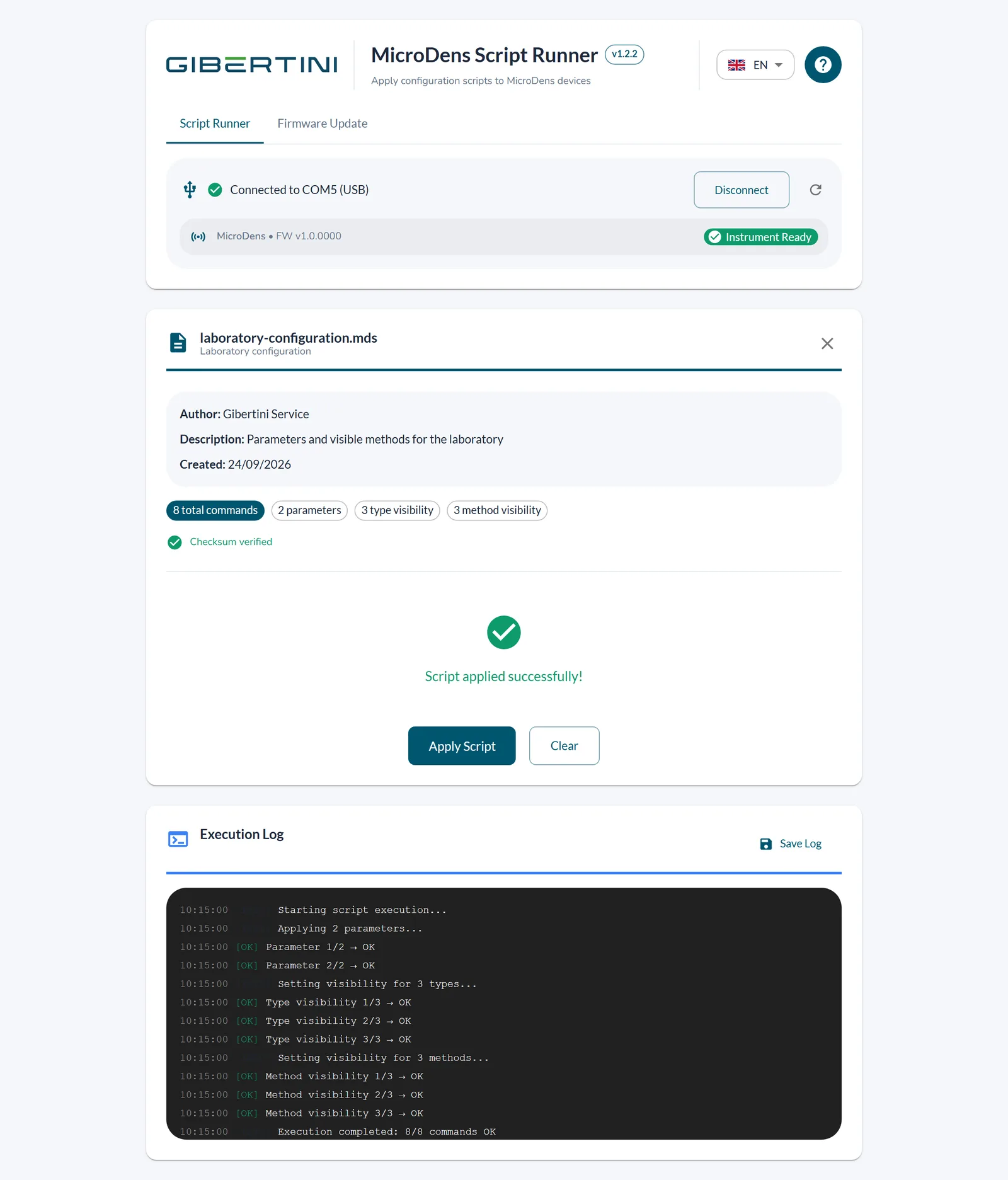
Script Runner: script applied successfully, with the log of executed commands

Configuration in three steps.

The script contains the parameters, the user methods and the visibility of types and methods. Script Runner writes them to the MicroDens in sequence and logs the result of each command.

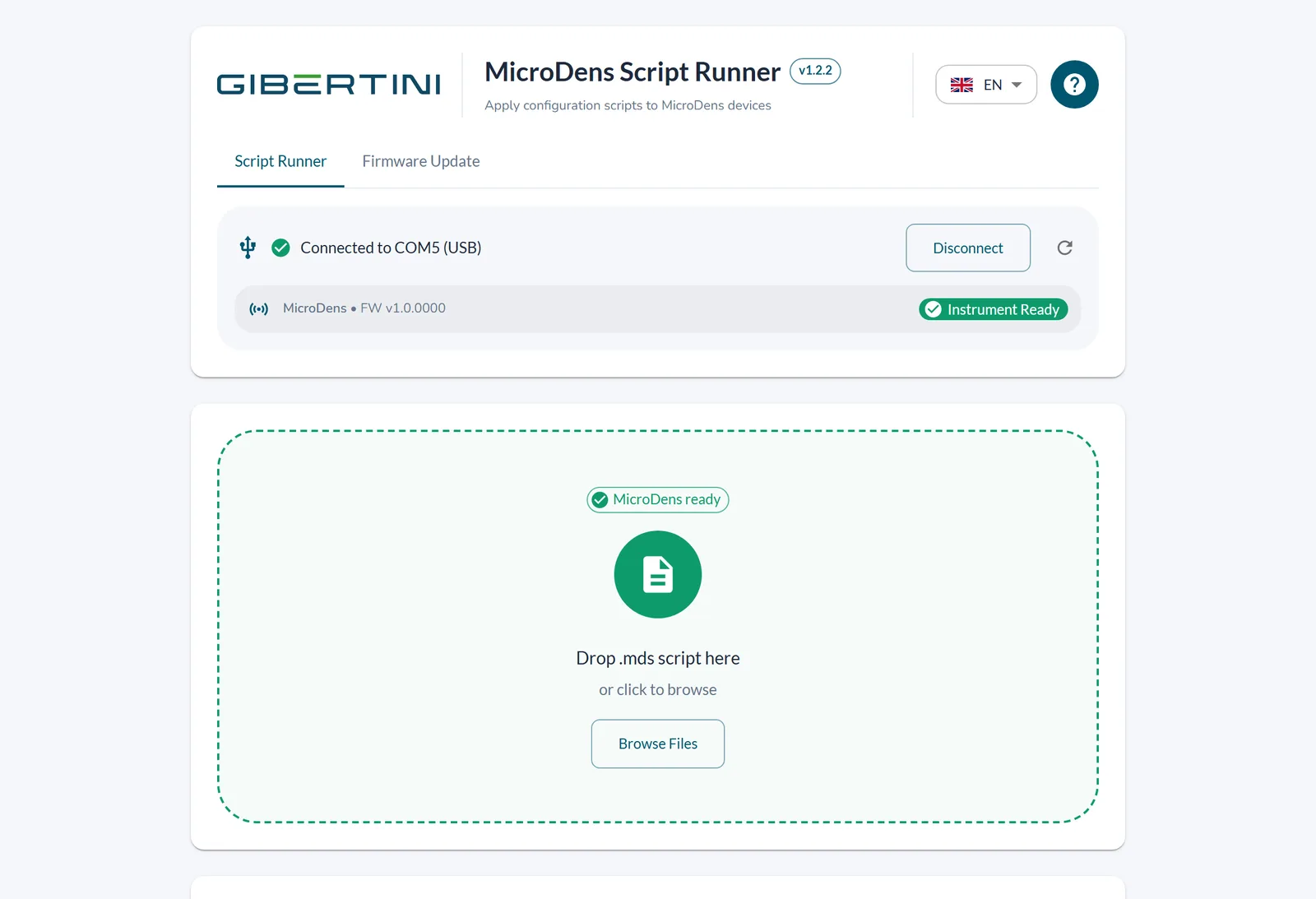
MicroDens connected to COM5 via USB, Instrument Ready
1

Connection

The instrument connects with the supplied USB-C cable or the MicroDens BLE dongle; the program recognizes it.

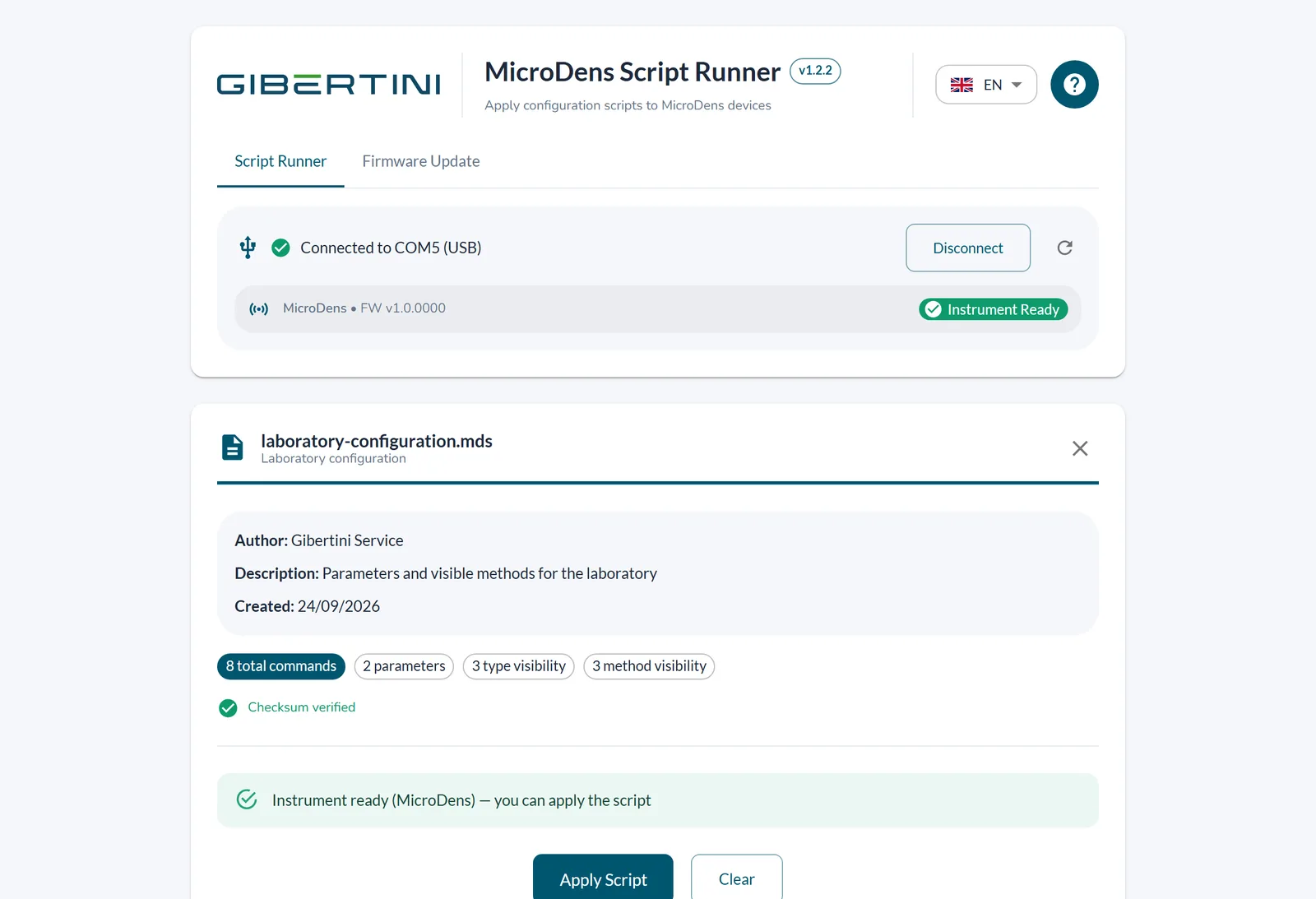
Summary of the loaded script: author, description, number of commands, Checksum verified
2

Loading

The .mds file is dropped into the window or chosen with Browse Files. The summary shows the author, the number of commands and the result of the checksum verification.

Result of the run and Execution Log
3

Execution

The result appears at the end. The Execution Log is saved to a text file with Save Log.

Instrument and dongle firmware, from the same window.

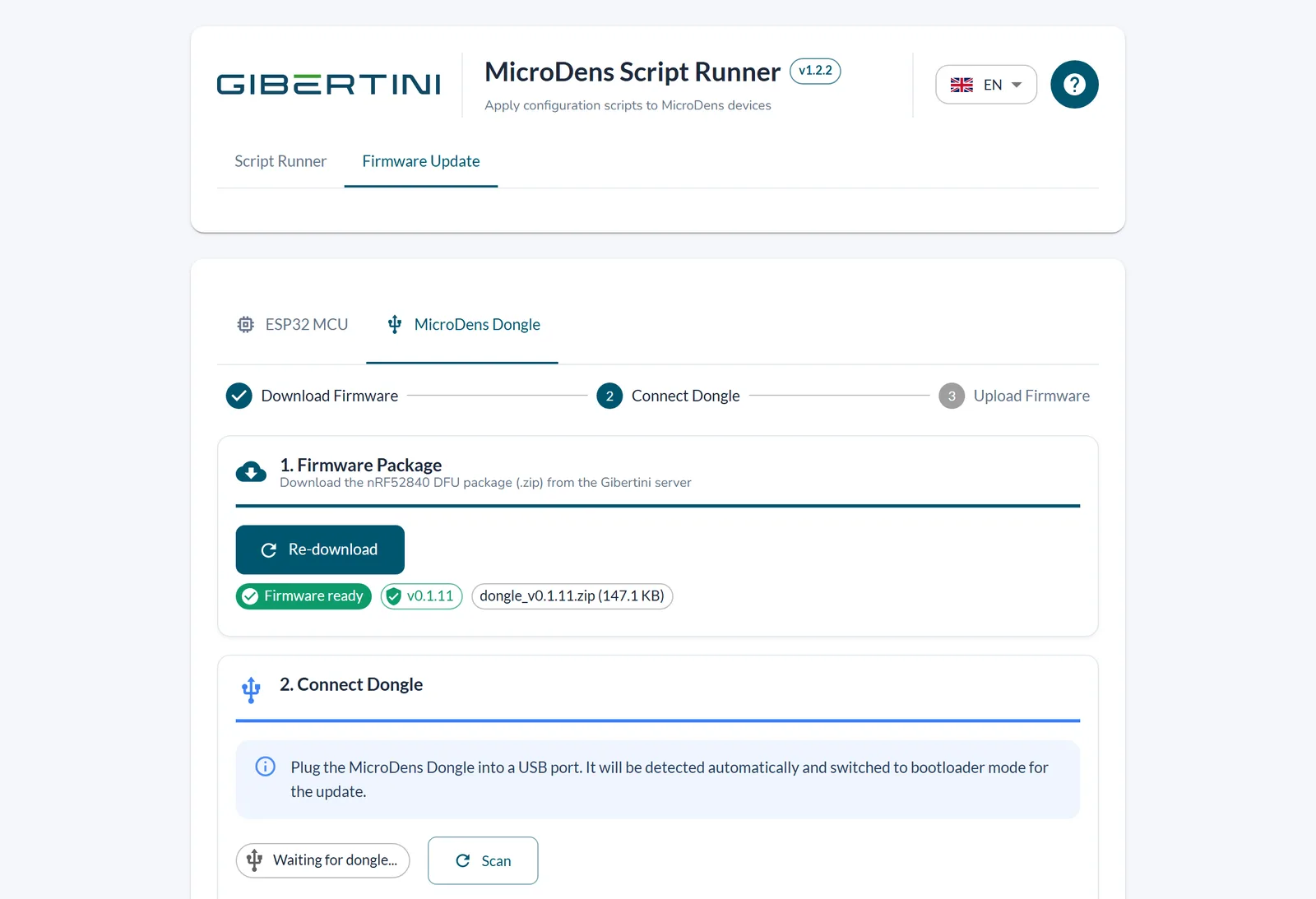
The program downloads the latest firmware from the Gibertini server, checks its integrity with SHA-256 and installs it over USB on the MicroDens or on the MicroDens BLE dongle.

MicroDens Script Runner
MicroDens Dongle tab: firmware package downloaded from the Gibertini server

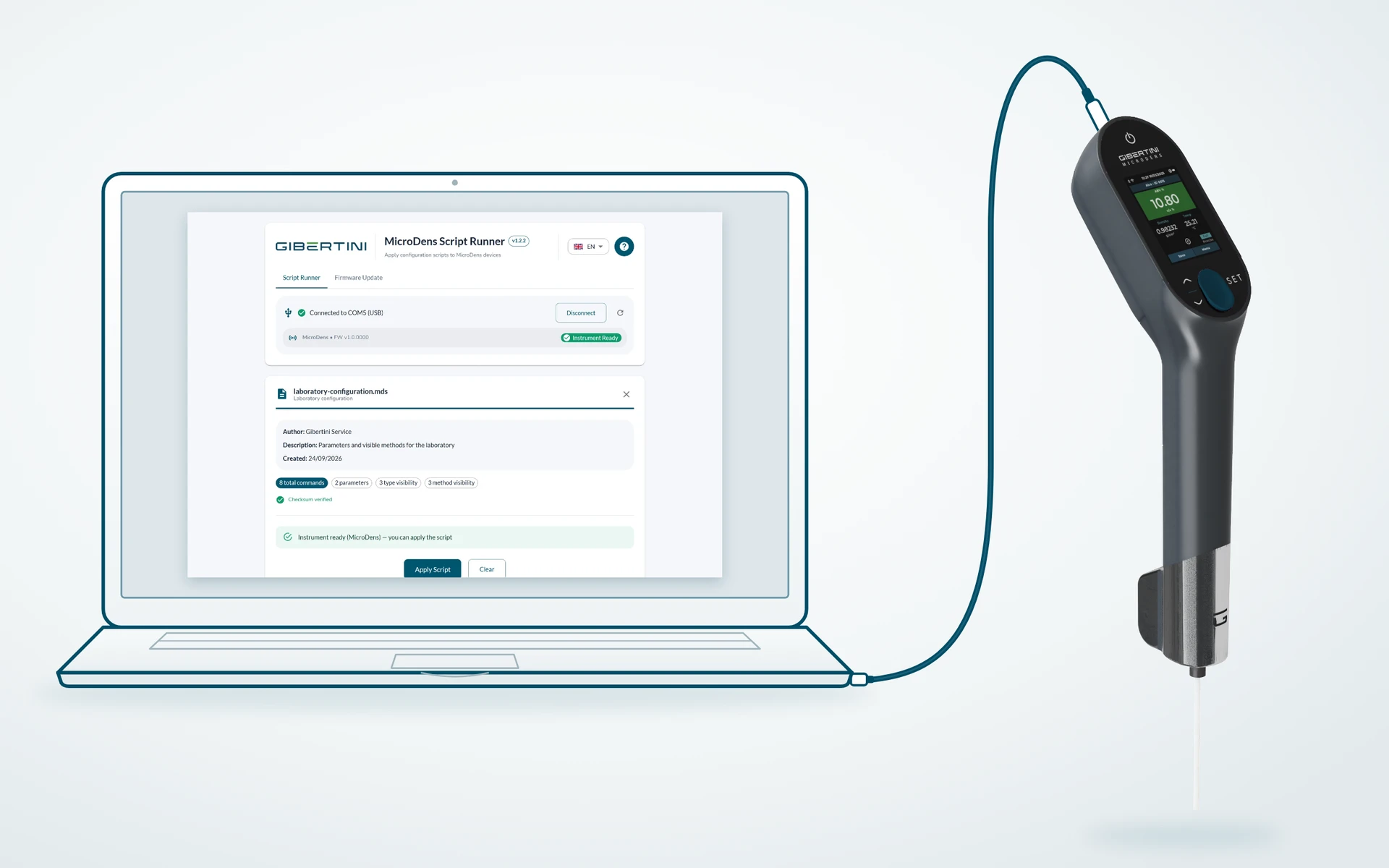
The configuration prepared by Gibertini service is supplied as a file and applied from the computer the instrument is connected to. The saved Execution Log records every command executed.

The density meter connected to the laboratory computer with the supplied cable

Download and requirements.

Free, no registration.

MicroDens Script Runner for Windows

Download MicroDens Script Runner

Installation and first start are described in the manual, chapter 2.

Terms of use in brief

License
Free and perpetual, professional use included, on an unlimited number of computers. No activation or registration.
Term and updates
Corrective and security updates for 5 years from the delivery of each version. The program reports them at startup; they are downloaded only with the operator's consent.
Data
The program handles no measurement data. It connects to the Internet for updates, firmware and technical data on the operations carried out on the instrument: details in the privacy notice.
Support
service@gibertini.com, +39 02 3541434, Mon–Fri 9:00–18:00 CET. Security reports: software.gibertini.com/security, first response within 5 business days.
Requirements
InstrumentGibertini MicroDens density meter
Connectionsupplied USB-C data cable, on a USB port of the computer, not through a hub, or the MicroDens BLE dongle
SystemWindows 10 or Windows 11, 64-bit
USB driverSilicon Labs CP210x, included: at first start Windows asks for an administrator's permission to install it.
Internetto download firmware and program updates
Languageprogram in Italian, English, French, Spanish and German

Support: service@gibertini.com · +39 02 3541434 · Monday–Friday, 9:00–18:00, Italian time. Updates for 5 years. Security reports: software.gibertini.com/security.